Account Security
This feature enables you to keep your EFTPOS Air account secure by enabling Two-Factor Authentication.
Two-Factor Authentication
Linking your phone number to the EFTPOS Air app provides an additional layer of protection for your business.
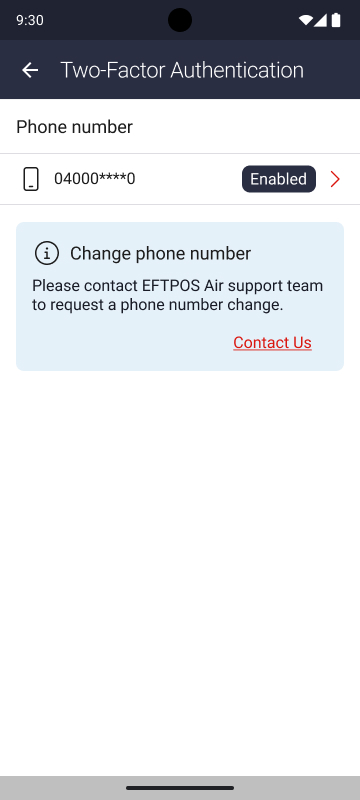
To enable the feature, navigate to More > Account Security > Two-Factor Authentication.
Enabling Two-Factor Authentication
Simply tap on the arrow, enter your phone number and input the provided verification code to activate the feature. When activated, each login will require you to enter a verification code sent via SMS to the phone number.
Two-Factor Authentication with Xero
Two-Factor Authentication (2FA) is required if you have Xero integration enabled on EFTPOS Air. If you'd like to turn off 2FA, you'll need to disconnected Xero first.